Google just put a number on the threats landing in your inbox. On June 8, 2026, Google published its quarterly frauds and scams advisory, and three of the techniques it singles out aim squarely at email users — including a phishing method that walks straight past two-factor authentication. The backdrop is stark: Google cites the NASDAQ Global Financial Crime Report’s estimate of $580 billion in global fraud losses for 2025, with roughly one in five adults targeted. Here’s what the advisory says is hitting Gmail accounts, and the concrete moves that keep yours out of the count.
What Google’s advisory actually warns about
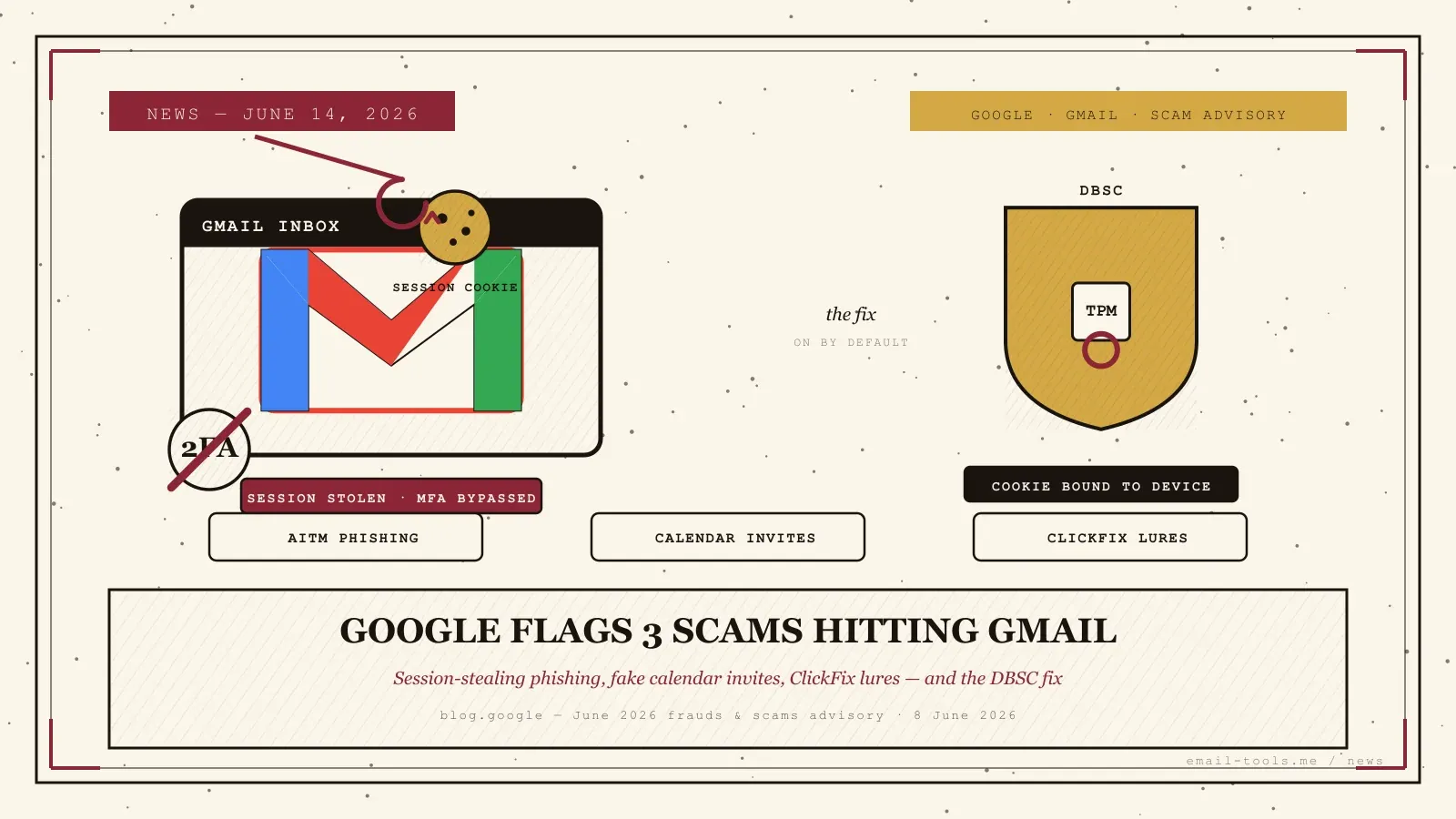
Google’s June 2026 advisory names three email-borne attacks: adversary-in-the-middle (AITM) phishing that steals your active login session, calendar-invite phishing that injects fake renewal notices into your schedule, and ClickFix lures that get you to run an attacker’s command yourself. A fourth pattern — police and government impersonation through lookalike email addresses — wraps the social-engineering layer around all three.
The headline shift is AITM. Instead of grabbing your password, these kits — Google points to Tycoon 2FA and Lighthouse — mirror a real login page and capture the session cookie the service issues after you authenticate, completely bypassing multi-factor authentication. That’s a meaningful step up from the credential-harvesting Gmail phishing that abused signed Google mail last month: your 2FA code is no longer the wall it used to be. The second technique drops fake “renewal” or “payment failed” notices directly into Google Calendar invites that auto-populate your schedule, and the third — ClickFix — serves a fake update page telling you to paste a command into your terminal, often hidden inside cloud documents and Google Sites using “invisible” layers to evade filters.
Why it matters for your inbox
The common thread is that these attacks target you, not a software hole — they work by getting you to approve, paste, or click something. That makes them effective against the exact users who feel safe because they have 2FA switched on. For anyone running a Gmail or Workspace account in 2026, the advisory is a prompt to distrust the channel, not just the sender.
The money makes the stakes plain. Alongside the $580 billion figure, Google cites the FBI’s tally of more than $11 billion lost by Americans to cryptocurrency-related scams in 2025 — the payout that police-impersonation and AITM campaigns are ultimately chasing. And the calendar vector is a reminder that the inbox is no longer the only entry point: an attacker who can write to your calendar gets a trusted-looking foothold without ever passing your spam filter, the same trust-the-source assumption that June’s Exchange “ghost sender” spoofing flaw exploited from a different angle. As AI assistants like Google’s own Gemini Spark start acting on inbox and calendar content automatically, a poisoned invite has more ways to do damage than it did a year ago.
How to protect your Gmail right now
Google’s own defence is Device Bound Session Credentials (DBSC), now generally available in Chrome on Windows and on by default — it ties your session to your device’s hardware chip so a stolen cookie can’t be replayed elsewhere. Keep Chrome updated and it protects you automatically; the rest is habit.
DBSC is the part you don’t have to think about. It binds your browser session to a private key in the device’s TPM, so an attacker who lifts your session cookie can’t use it on their own machine. Google began rolling it out across Chrome on Windows from May 25, 2026, enabled by default for personal and Workspace accounts with no admin action and no off switch; macOS support via the Secure Enclave is next. I checked my own Windows-and-Chrome setup while writing this — there’s nothing to enable, which is the point.
The habits are the half you own. Do this: open a service directly in a new tab rather than clicking a link in an unexpected email or calendar entry; treat a surprise invite like a surprise email. Never do this: scan a QR code from an unsolicited message on your personal phone, or paste a command from an online “fix” into your terminal — that single action is the entire ClickFix attack. And any message that claims to be law enforcement or a government ministry and pressures you to pay or hand over credentials is, per Google, a scam by definition — real agencies don’t operate that way.

Alexis Dollé, email expert for 10+ years. Founder of Email Tools. I test every email client and utility myself, then write about them the way I’d explain them to a friend — no marketing fluff, no sponsored rankings, every claim sourced.
LinkedInFrequently asked questions
What did Google’s June 2026 scam advisory warn Gmail users about? — three email attacks plus authority impersonation
In its advisory published June 8, 2026, Google flagged three techniques aimed at email users: adversary-in-the-middle (AITM) phishing that steals your login session rather than your password, calendar-invite phishing that drops fake renewal or payment notices straight into your schedule, and ClickFix lures that trick you into pasting attacker commands into your own device. It also warned about scammers impersonating police or government bodies using lookalike email addresses.
How does AITM phishing bypass two-factor authentication? — it steals the session cookie, not the code
An adversary-in-the-middle page mirrors a real login screen and relays everything you type to the genuine service in real time. You pass the two-factor check normally, but the fake page captures the session cookie the service hands back. With that cookie, the attacker is treated as already-logged-in on their own machine — your password and 2FA code never have to be reused. Google points to phishing kits such as Tycoon 2FA and Lighthouse as the ones automating this.
What is calendar-invite phishing? — fake notices that auto-populate your Google Calendar
Attackers send a Google Calendar invitation that auto-populates your calendar with a fake notice — a “subscription renewal”, a “payment failed” alert, or a meeting — then links to a phishing form. Because the entry appears inside Calendar rather than your inbox, it can slip past the scrutiny you’d give a normal email. Treat unexpected calendar entries with the same suspicion as unexpected mail.
What is ClickFix and why is it dangerous? — it gets you to run the malware yourself
ClickFix is a lure that shows a fake error or software-update page instructing you to “fix” it by copying a command and pasting it into your computer’s terminal or Run box. That command installs malware. Google notes these pages are often hosted inside cloud documents and Google Sites with hidden “invisible” layers to dodge filters. The rule is simple: never paste a command you didn’t write into your device.
What is Device Bound Session Credentials (DBSC) and is it on for me? — yes, by default in Chrome on Windows
DBSC is Google’s defence against stolen session cookies. It cryptographically ties your browser session to a private key held in your device’s hardware security chip (the TPM on Windows), so a cookie copied to another machine simply won’t work. It is generally available in Chrome on Windows, rolling out from May 25, 2026, and is on by default for personal Google accounts and Workspace users — there is no toggle to switch it on. macOS support via the Secure Enclave is next.
What are the simplest steps to protect my Gmail today? — go direct, never paste, distrust surprises
Navigate to a service’s site directly instead of clicking links in unexpected emails or calendar invites; never scan a QR code from a surprise email using your personal phone; never copy and paste commands from an online “fix” into your terminal; and treat any unsolicited message claiming to be law enforcement or a government ministry as suspect. Keep Chrome updated so DBSC protects your session automatically.
Sources
- Google — “Google’s June 2026 frauds and scams advisory”, published 8 June 2026 (primary: three email-targeting techniques — AITM phishing capturing session cookies and bypassing MFA, calendar-invite phishing with fake renewal notices, ClickFix lures hosted in cloud documents/Google Sites with “invisible” pages; police/government impersonation via lookalike addresses; $580 billion global fraud losses for 2025 per NASDAQ Global Financial Crime Report; roughly one in five adults targeted; FBI’s “more than $11 billion” in U.S. crypto-scam losses for 2025; safety guidance — navigate directly, never scan QR from unexpected email, never paste unknown terminal commands, distrust unsolicited authority claims)
- Google Workspace Updates — “Prevent account takeovers with Device Bound Session Credentials (DBSC), now generally available in the Chrome browser for Windows” (DBSC GA in Chrome on Windows, gradual rollout from 25 May 2026, on by default for personal and Workspace accounts, no admin action required)
- Google Security Blog — “Protecting Cookies with Device Bound Session Credentials” (technical basis: session bound to a private key in the device TPM/Secure Enclave so a stolen cookie cannot be replayed on another machine)
- Kymatio — “Google June 2026 Fraud Advisory: Hybrid Cyber Threats”, 11 June 2026 (independent corroboration: AITM kits Tycoon 2FA and Lighthouse capture active session cookies and “completely bypass Multi-Factor Authentication”; calendar phishing and invisible-page cloud-document evasion; DBSC binds sessions to device hardware)