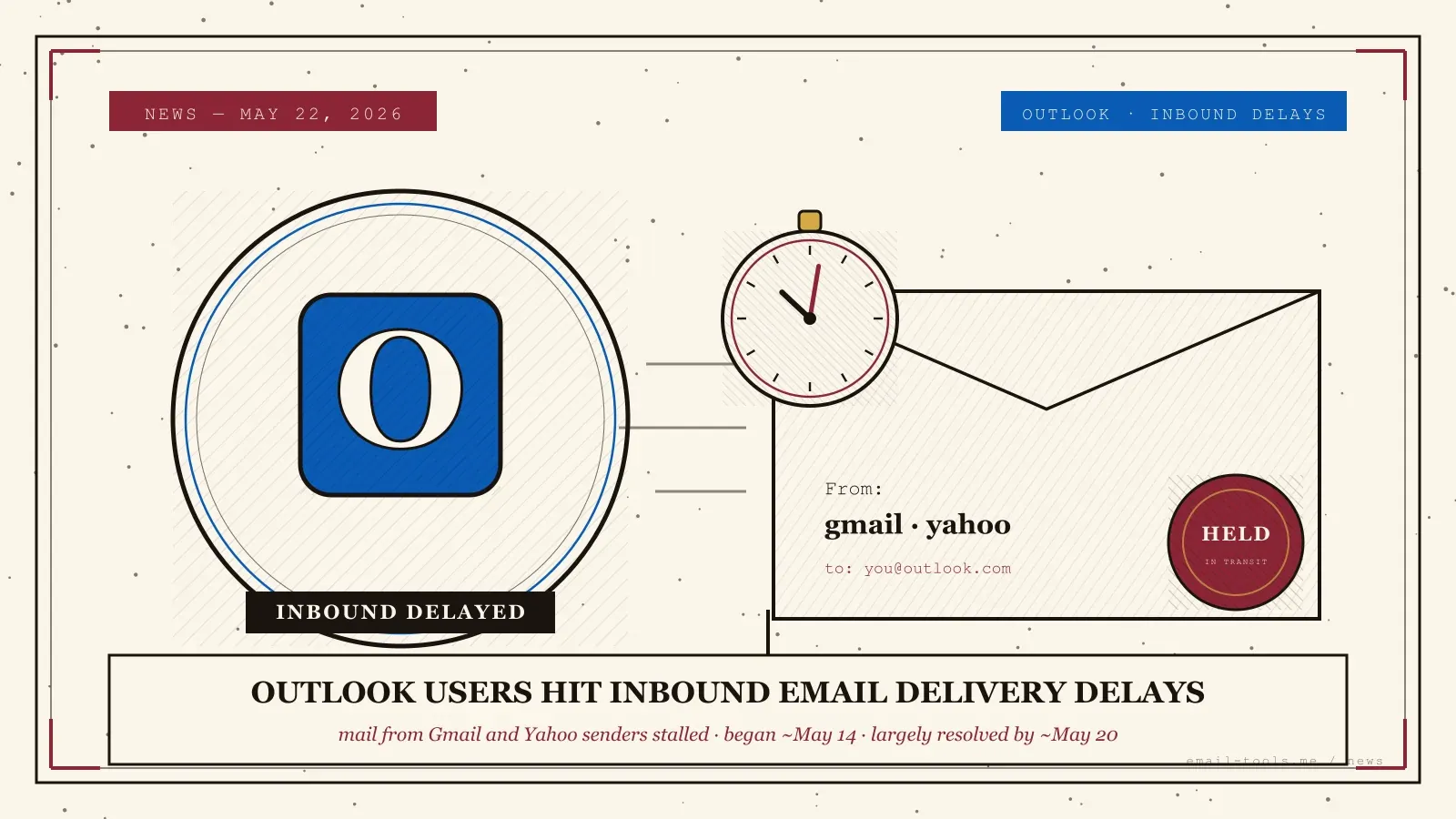
Starting around May 14, 2026, Outlook, Hotmail and Live.com users flooded Microsoft’s Q&A community with the same complaint: email from Gmail and Yahoo senders was arriving hours or days late, or not at all. The reports landed right after a Microsoft update dated 5/14/2026. Outbound mail kept working. Microsoft never published a formal incident statement — so here is what the user reports actually show, how to tell if you were caught in it, and what to do if inbound mail stalls again.
What happened to Outlook inbound email
From roughly May 14-15, 2026, large numbers of Outlook and Hotmail users reported that inbound email from Gmail and Yahoo senders was heavily delayed or not arriving. The complaints clustered immediately after a Microsoft update dated 5/14/2026. Sending from Outlook worked normally — only inbound delivery was affected.
The clearest trail is on Microsoft’s own Q&A site. One widely-viewed thread is titled plainly “email issues following MS update on 5/14/2026,” and others — “Not getting emails from Yahoo or Gmail” and “Hotmail/Outlook not receiving Gmail” — describe the same pattern from different users in different regions. (Source: Microsoft Q&A; Source: Microsoft Q&A.) The consistent detail across threads: messages from Gmail and Yahoo addresses were the ones held up, and Outlook’s own outgoing mail was unaffected. This is similar in shape to Outlook’s broader May 2026 update rollout, though that was a feature update rather than a delivery fault.
What Microsoft did and did not say
Microsoft did not publish a formal incident postmortem, a root cause, or an affected-user count. The public record is the user reports themselves, plus volunteer moderators — and, per one thread, a Microsoft-tagged moderator — acknowledging a “known issue.” Treat any specific cause you read elsewhere as unconfirmed.
That gap matters. There is no official Microsoft 365 service-health post explaining the fault, so anyone claiming a definitive root cause is guessing. What the threads do show is a recovery: users reported mail starting to flow again around May 16, with the backlog largely cleared by roughly May 19-20. (Source: Microsoft Q&A.) Delayed messages mostly did arrive, because sending mail servers retry failed deliveries for hours before bouncing them — a built-in safety net that quietly saved most of the affected mail.
How to tell if you were affected — and what to do next
You were likely affected if email you expected from Gmail or Yahoo contacts between about May 14 and May 20 arrived with a long gap between the sender’s timestamp and your receipt time. If it happens again, check the provider’s status page first and wait — do not panic-reconfigure your account.
To check yourself, open a message from that window and compare the sender’s “Sent” time with when it actually landed in your inbox. A multi-hour or multi-day gap is the fingerprint of this incident. I have lost mail to silent provider-side delays before, and the instinct is always to start fiddling — rebuilding the profile, switching servers, even deleting and re-adding the account. Resist it. A provider-side delay is not something your settings can fix, and aggressive changes can create new failures that outlast the original outage. The right moves are calmer: check the provider’s status page and community forums to confirm it is a known issue, then wait, because mail servers retry delivery for roughly 24 to 48 hours and most delayed messages arrive on their own. If something genuinely never showed up after May 20, simply ask the sender to resend. And if missed mail is a recurring worry, it is worth keeping a second mailbox on an independent provider so a single vendor’s bad week never takes your whole inbox offline.

Alexis Dollé, email expert for 10+ years. Founder of Email Tools. I test every email client and utility myself, then write about them the way I’d explain them to a friend — no marketing fluff, no sponsored rankings, every claim sourced.
LinkedInFrequently asked questions
Why was my Outlook inbox not receiving Gmail or Yahoo email in May 2026? — a fault after a mid-May Microsoft update
From around May 14-15, 2026, Outlook and Hotmail users reported on Microsoft’s Q&A community that inbound email from Gmail and Yahoo senders was heavily delayed or not arriving at all. The reports clustered immediately after a Microsoft update dated 5/14/2026. Microsoft never published a formal incident postmortem, so there is no confirmed root cause. Outbound mail from Outlook kept working normally throughout — the problem was inbound only.
Is the Outlook email delay issue fixed now? — yes, the backlog had largely cleared by about May 20
Largely, yes. User reports indicate recovery began around May 16 and the backlog had mostly cleared by roughly May 19-20, 2026. Delayed messages generally did arrive once delivery resumed, because mail servers retry failed deliveries for hours before giving up. If you are still missing specific messages from that window after May 20, ask the sender to resend.
Did the delays affect outgoing Outlook email too? — no, sending worked normally
No. Across the Microsoft Q&A threads, users consistently said sending from Outlook worked fine. The disruption was limited to inbound mail — specifically messages from Gmail and Yahoo senders reaching Outlook, Hotmail and Live.com inboxes. Your sent mail during that window was not affected.
Did Microsoft confirm what caused the Outlook delivery delays? — no formal postmortem was published
No. Microsoft did not post a formal public incident statement or postmortem. The account is based on widespread, consistent user reports on Microsoft’s Q&A community. Volunteer moderators acknowledged a known issue, and one thread cites a Microsoft-tagged moderator doing the same — but there is no official root-cause explanation, no affected-user count, and no published timeline.
How do I tell if I was affected by the Outlook delays? — check the gap between sent and received time
Check whether messages you expected from Gmail or Yahoo contacts between roughly May 14 and May 20 arrived with a long gap between the sender’s timestamp and when they landed. Compare the “Sent” time shown in the message with your receipt time. If a sender insists they emailed you and nothing showed up for hours or days, you were likely caught in this window.
What should I do if Outlook email delays happen again? — check the status page and wait, do not reconfigure
Do not panic-reconfigure your account. First, check your provider’s status page and community forums to see if it is a known outage. Mail servers retry delivery for roughly 24 to 48 hours, so delayed messages usually arrive on their own. Avoid deleting your account, changing servers or rebuilding your profile — those steps rarely help with a provider-side delay and can cause new problems.
Sources
- Microsoft Q&A — Email issues following MS update on 5/14/2026 (user thread reporting inbound email from Gmail and Yahoo senders delayed or not arriving immediately after a Microsoft update dated 5/14/2026; outbound mail unaffected; no formal Microsoft postmortem)
- Microsoft Q&A — Not getting emails from Yahoo or Gmail (separate user report describing the same inbound-only delivery delay from Gmail and Yahoo senders to Outlook/Hotmail in mid-May 2026)
- Microsoft Q&A — Hotmail/Outlook not receiving Gmail (further user report of the same pattern; moderator acknowledgement of a known issue; reports of recovery and backlog clearing through roughly May 19-20, 2026)