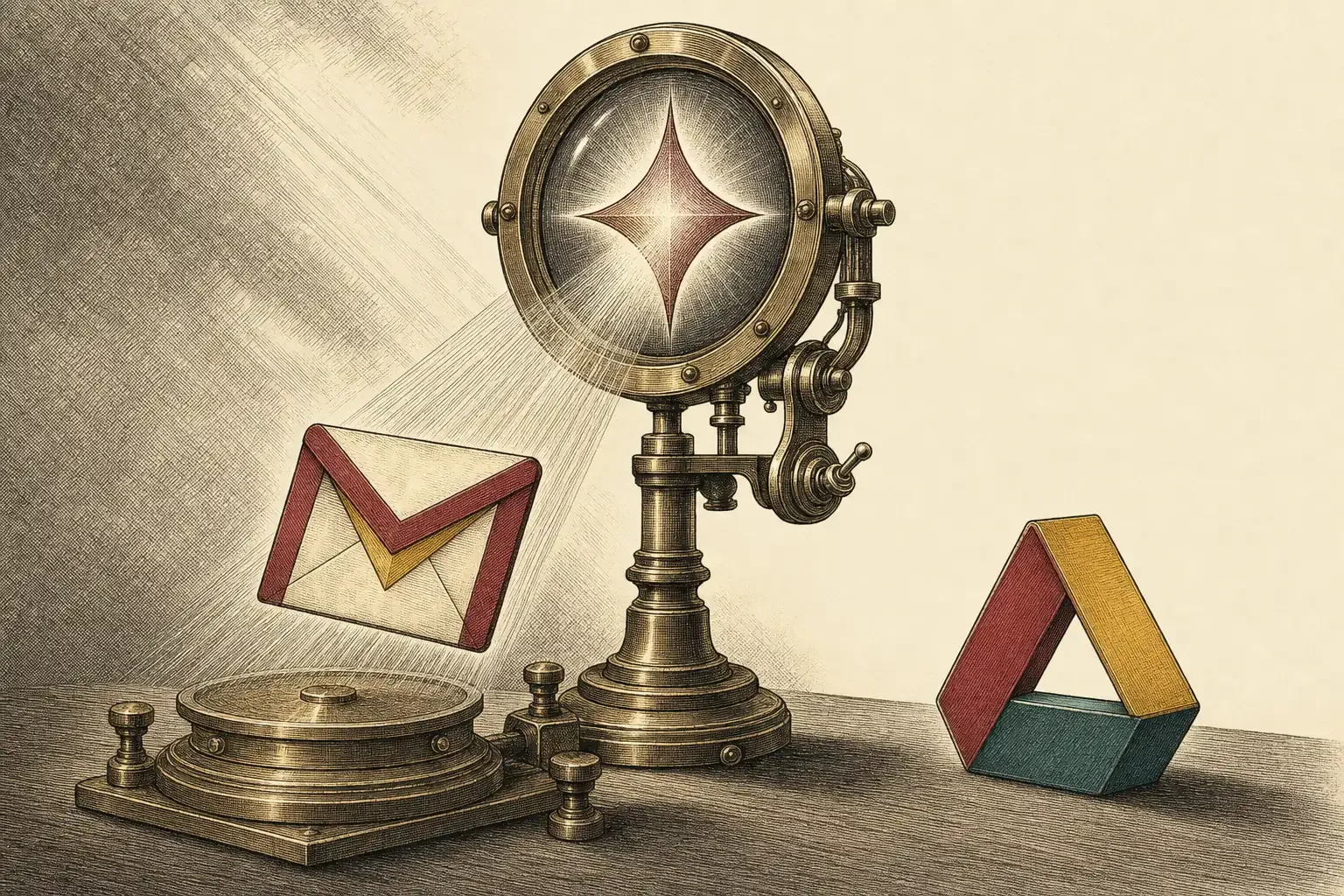
Your inbox just became something Google’s AI can read inside another app. On 3 June 2026 Google made Gmail a source in Ask Gemini in Drive — meaning the assistant that already answers questions about your files can now pull in your email threads too. It is on by default for admins who have Gemini in Drive enabled, and for most users the gateway is already open. Here is exactly what changed, who is affected, and how to check or switch it off in two minutes.
What Google changed on June 3
Google made Gmail a selectable source inside Ask Gemini in Drive, so the assistant can ground its answers in your email threads alongside your files and folders. According to the Google Workspace Updates announcement, the feature reached general availability on 3 June 2026 and lets users “ground their responses in a complete view of their business context — spanning emails, files, and folders.” It rolled out to both Rapid Release and Scheduled Release domains, with a gradual rollout of up to 15 days for visibility.
Ask Gemini in Drive itself only went generally available in April 2026 as a way to hold multi-turn conversations grounded in your Drive content. The June change widens what counts as “content”: you can now drop a Gmail thread into the conversation and ask the assistant to reason over the email and your documents together — pulling a number from a spreadsheet and the context from the message that prompted it, in one answer. For day-to-day Workspace users, this is the moment Gmail stopped being a walled-off app and became another data source the assistant treats like any folder.
Who is affected — and is it on by default?
If your administrator has Gemini for Workspace in Drive enabled, the feature is on by default with no extra setup — but it only functions for you if Workspace smart features are switched on. Smart features are on by default in most regions and off by default in the European Economic Area, the UK, Switzerland and Japan. So an EEA user starts closed; a US user, by contrast, is almost certainly already open.
Eligibility tracks the paid Gemini tiers: Business Standard and Plus, Enterprise Standard and Plus, Google AI Pro and Ultra, Google AI Pro for Education, and accounts with AI Expanded Access. The geography detail is the one most people miss. Google has kept smart features off by default for users in the EEA, the UK, Switzerland and Japan while leaving them on elsewhere — a regional split that means whether your inbox is reachable by Drive’s Gemini depends as much on where you are as on what you clicked. That gap also sits behind the class-action lawsuit Google is facing over how its AI settings were enabled, which makes “check your own setting” more than idle advice.
What it means for you — and how to control it
This is a control-and-consent story, not an outage. If you want to query email and files together, the integration is genuinely useful; if you would rather your inbox not be a routine input to an AI assistant, the off switch is the smart-features toggle in Gmail’s settings. Best for: people who live in Workspace and want one assistant across email and documents. The catch: in most regions the gateway is already open, so doing nothing is itself a choice.
The practical move takes two minutes. When I checked my own US Workspace account after the rollout, smart features were already on and I had never touched the setting — which is exactly the point. To switch it off as an end user, open Gmail, go to Settings → See all settings → General, find Smart features and untick “Turn on smart features in Gmail, Chat and Meet”, then save — bearing in mind that this also disables conveniences like inbox tabs and automatic categorisation, so it is a trade-off, not a free win. Google’s own position is that it does not train its models on your Workspace content without permission and that admin and user controls govern access. The deeper context is Workspace Intelligence, launched on 22 April 2026, which made Gemini read across your Workspace by default with per-source admin controls — Gmail joining Ask Gemini in Drive is one more thread in that fabric. As with the wider Gemini era arriving across Gmail and Google’s agentic Spark assistant for the inbox, the feature itself is unremarkable — the default state is the story. Decide it on purpose.

Alexis Dollé, email expert for 10+ years. Founder of Email Tools. I test every email client and utility myself, then write about them the way I’d explain them to a friend — no marketing fluff, no sponsored rankings, every claim sourced.
LinkedInFrequently asked questions
What changed with Gmail and Ask Gemini in Drive on June 3, 2026? — Gmail threads can now be added as a source for Drive’s Gemini assistant
Google made Gmail a selectable source inside Ask Gemini in Drive. Until now you could point Drive’s Gemini assistant at files and folders; from 3 June 2026 you can also add individual Gmail threads as a source, so its answers draw on your email alongside your documents. It began rolling out on 3 June for both Rapid Release and Scheduled Release domains, with a gradual rollout of up to 15 days.
Is this turned on automatically? — yes for admins with Gemini in Drive, but only if your smart features are on
For administrators, yes — the feature is on by default wherever Gemini for Workspace in Drive is already enabled, with no extra configuration. For end users, it only works if Workspace smart features are switched on for your account. Smart features are on by default in most regions, but off by default in the European Economic Area, the UK, Switzerland and Japan, where you would have to enable them yourself first.
Who can use it? — paid Gemini tiers across Business, Enterprise, consumer AI and Education
It is available on Business Standard and Plus, Enterprise Standard and Plus, Google AI Pro and Ultra, Google AI Pro for Education, and accounts with AI Expanded Access. If your plan does not include Gemini for Workspace in Drive, you will not see it.
Does this mean Google is reading my email? — the assistant reads the threads you add; Google says content is not used to train models without permission
It means Drive’s Gemini assistant can read the specific Gmail threads you add as a source when you ask it a question. Google states it does not use Workspace content to train its models without permission and that admin and user controls govern access. The wider point for users is consent and awareness: the capability rides on the ‘smart features’ switch, which in most regions is already on.
How do I turn it off? — switch off smart features in Gmail’s General settings
End users can disable it by switching off smart features: in Gmail, open Settings, choose ‘See all settings’, go to the General tab, find ‘Smart features’ and untick ‘Turn on smart features in Gmail, Chat and Meet’, then save. Be aware this also removes other smart-feature conveniences such as inbox tabs and automatic categorisation. Administrators can disable specific data sources at the domain level.
Is this related to the broader Gemini rollout in Gmail? — yes, it builds on Workspace Intelligence and the Gemini-era push
Yes. It builds on Google’s ‘Gemini era’ push for Gmail and on Workspace Intelligence, the framework launched on 22 April 2026 that lets Gemini read across your Workspace footprint by default, with admin controls to switch individual sources off. Adding Gmail to Ask Gemini in Drive is one more step in connecting your inbox to Google’s assistant.
Sources
- Google Workspace Updates — Gmail as a source in Ask Gemini in Drive now generally available (primary announcement: GA on 3 June 2026, Gmail threads added as a source alongside files and folders, on by default where Gemini for Workspace in Drive is enabled, requires Workspace smart features, eligible editions, Rapid + Scheduled Release, up to 15-day rollout, and the 22 April 2026 Workspace Intelligence context)
- Google Workspace Updates — Ask Gemini in Drive now generally available (the April 2026 GA of the underlying multi-turn, Drive-grounded assistant that the Gmail source extends)
- Google, The Keyword — How we built Gmail to keep your data secure and private in the Gemini era (Google’s statement that it does not train models on Workspace content without permission and that admin and user controls govern access)
- The Register — Google decides to bring Gmail into ‘the Gemini era’ (corroborates smart features on by default in most regions and off by default in the EEA, the UK, Switzerland and Japan, plus the manual disable path)
- TechRepublic — Google faces Gmail lawsuit over hidden AI training settings (the class-action context over how AI-related settings were enabled, the reason “check your own setting” is material advice)