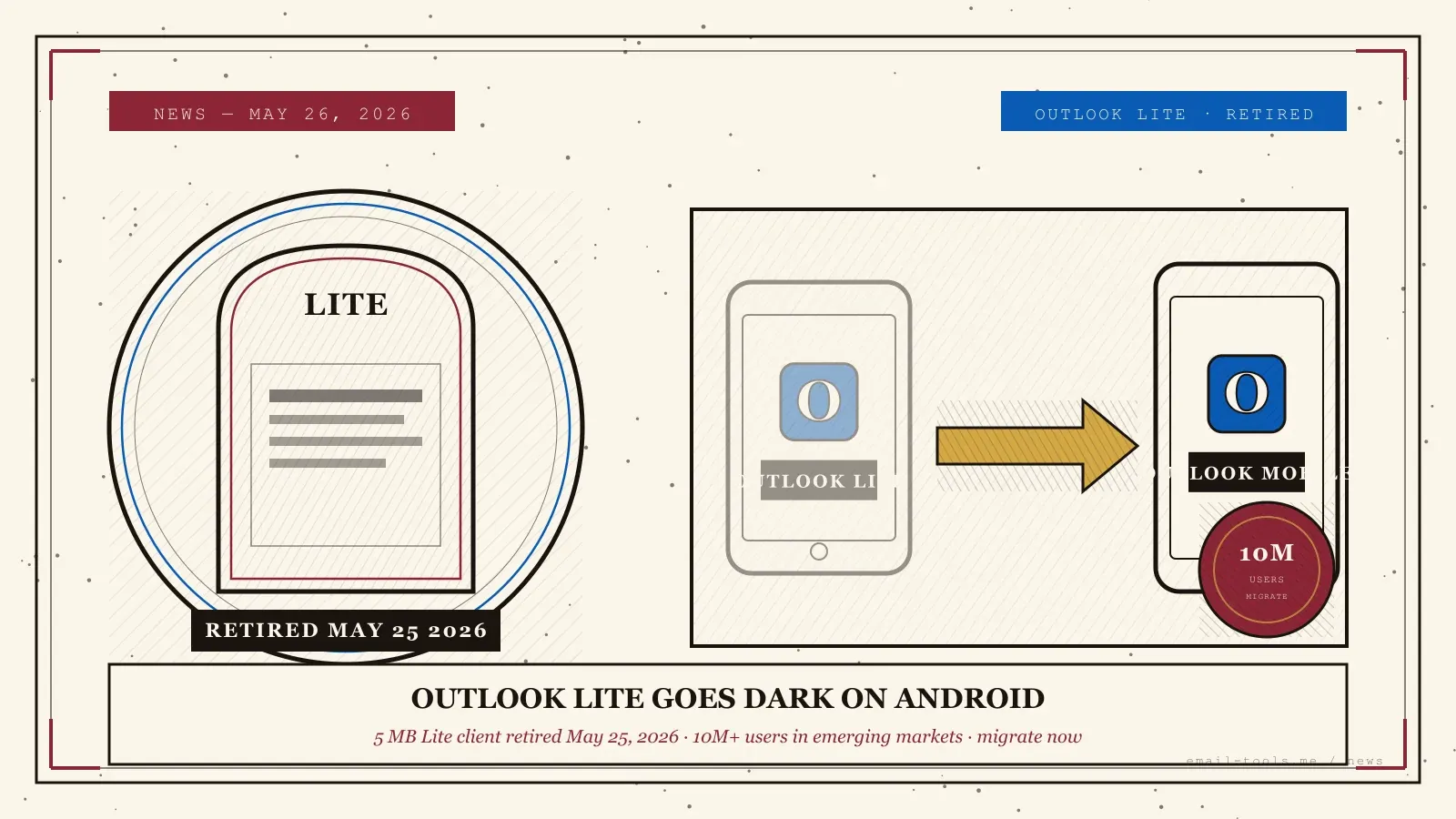
Microsoft retired Outlook Lite on Android on Monday, May 25, 2026 — closing out a 5 MB email client built for entry-level phones with 1–2 GB of RAM and 2G/3G coverage. More than 10 million users, concentrated in Latin America, India, South Africa and the Middle East, now need to migrate to the full Microsoft Outlook app, switch clients, or accept that mailbox access from their device is gone. Here is what changed yesterday, what data carried over, and the practical migration path for older Android hardware.
What Microsoft has actually done
Per Microsoft 365 Message Center notice MC1276508, published April 10, 2026, the Outlook Lite app for Android reached complete retirement on May 25, 2026. The app still installs and launches on devices where it is already present, but no longer provides mailbox access — no inbound or outbound mail sync, no calendar, no contacts. New downloads have been blocked on Google Play since October 6, 2025. Account data is untouched; only the Lite client’s access is disabled.
Microsoft positions the move as a consolidation: one Android email codebase instead of two. (Source: Microsoft 365 Message Center MC1276508, April 10, 2026.) The official migration path is the full Microsoft Outlook app on Google Play, with the same sign-in credentials. Microsoft confirmed during the announcement that user mailboxes, contacts, calendar items and attachments stay in the cloud and remain accessible via Outlook Mobile, Outlook on the web, or any IMAP client. (Source: BitRecover, May 2026.)
Who actually feels this — and on which phones
Outlook Lite was launched in August 2022 for Android phones with 1–2 GB of RAM, low storage, and 2G/3G connectivity, with first-wave availability in 15 markets including Argentina, Brazil, Chile, Colombia, Ecuador, India, Mexico, Peru, Saudi Arabia, South Africa, Taiwan, Thailand, Turkey and Venezuela. Those are the users hit hardest by yesterday’s retirement, because the replacement — the full Outlook Mobile app — requires Android 10.0 or higher and assumes a more modern device profile.
The original product specification matters here. Outlook Lite was a deliberately narrow 5 MB binary, tuned to launch fast on entry-level hardware and to work on slow cellular links. (Source: TechCrunch, August 2, 2022.) The full Outlook app is roughly 20 times larger on disk, requires Android 10.0+ since the week of January 5, 2026, and is built for phones with more RAM and an LTE-or-better network. For a user on a 2022-vintage budget Android in Lagos, Karachi or Lima, “just migrate to Outlook Mobile” is not a one-tap step — it may mean a slower app, more battery drain, and possibly no install at all if the OS is Android 9 or older.
The pragmatic migration path
Three steps, in order. (1) On Google Play, install ‘Microsoft Outlook’. (2) Sign in with the same address and password used in Outlook Lite — Microsoft, Gmail, Yahoo and IMAP accounts are all carried. (3) Wait for the first sync to complete, then uninstall Outlook Lite to reclaim storage. If the phone is on Android 9 or earlier, the full Outlook app will not install — switch to Gmail (preinstalled on most Android phones, ~120 MB), K-9 Mail, or sign in via Outlook on the web at outlook.live.com.
This is the second high-impact Outlook shutdown in two weeks for end users — coming on the heels of the Classic Outlook image-rendering regression broken on Build 19929.20164, the Outlook delivery delays affecting Gmail and Yahoo inbound mail, and the zero-click Outlook RCE patched as CVE-2026-40361. Microsoft’s mobile strategy is now visibly one of consolidation, with Copilot at the center: integrate AI features into a single Outlook codebase rather than maintain low-RAM forks. For users who deliberately chose Outlook Lite for its size and speed, the practical answer is to test Gmail or a third-party IMAP client this week — both are lighter than the full Outlook app and continue to work on older Android builds where Microsoft no longer ships. (Source: Office Watch, May 2026; Windows Central, May 2026.)

Alexis Dollé, email expert for 10+ years. Founder of Email Tools. I test every email client and utility myself, then write about them the way I’d explain them to a friend — no marketing fluff, no sponsored rankings, every claim sourced.
LinkedInFrequently asked questions
When exactly did Outlook Lite stop working? — Monday, May 25, 2026
Microsoft set the complete retirement date as Monday, May 25, 2026. From that day, the app can still launch on Android but no longer provides mailbox functionality — no new mail sync, no calendar updates, no contacts access. New downloads have been blocked from the Google Play Store since October 6, 2025, so the user base has been a closed cohort of existing installs since then. The retirement was first announced in Microsoft 365 Message Center notice MC1276508 on April 10, 2026.
I had Outlook Lite installed. Did I lose any emails? — no, account data is untouched
No. Outlook Lite was a thin client — it never stored mail locally beyond a small cache. All of your messages, calendar events, contacts and attachments live in Microsoft’s cloud and remain accessible through the regular Outlook for Android app, Outlook on the web (outlook.live.com or outlook.office.com), or any IMAP client signed in with the same credentials. The retirement disables app access, not your account.
What do I install instead, and will my phone run it? — Outlook Mobile if Android 10+, otherwise Gmail or K-9
Microsoft directs every Outlook Lite user to the full Microsoft Outlook app on Google Play. The minimum requirement since the week of January 5, 2026 is Android 10.0 or higher — Android 9.x and earlier are no longer supported. Outlook Lite was designed for phones with 1–2 GB of RAM running on 2G/3G networks; the full Outlook app is roughly 20× larger on disk and assumes a more recent device. If your phone is older than Android 10 or already feels strained, the practical alternatives are Gmail (lighter on RAM, ships preinstalled on most Android phones), the AOSP Email client, or K-9 Mail / Thunderbird for Android.
Which countries are most affected by the shutdown? — emerging markets across LATAM, India, MENA, and parts of Africa and SE Asia
Outlook Lite launched in August 2022 with first-wave availability in Argentina, Brazil, Chile, Colombia, Ecuador, India, Mexico, Peru, Saudi Arabia, South Africa, Taiwan, Thailand, Turkey and Venezuela. Microsoft framed the product as serving “emerging markets” — regions where entry-level Android hardware and 2G/3G coverage are still common. The shutdown disproportionately impacts users in those countries, since most still own phones that match Outlook Lite’s original 1–2 GB RAM profile rather than the spec Microsoft assumes for the full Outlook app today.
How do I migrate without losing my account configuration? — install full Outlook, sign in, sync, uninstall Lite
Three steps. (1) On Google Play, search “Microsoft Outlook” and install the full app. (2) Open it and sign in with the same email and password you used in Outlook Lite — Microsoft, Gmail, Yahoo and IMAP accounts all migrate. (3) Wait for the first sync to complete (it can take several minutes on slower networks because the full app downloads more message history than Lite kept), then uninstall Outlook Lite to reclaim space. Microsoft 365 admin notes: no admin action is required, but the new client supports Purview compliance features that Outlook Lite lacked, so Conditional Access policies in Entra ID may apply where they did not before.
Why is Microsoft killing a lightweight app that 10 million people used? — consolidation around Copilot in a single codebase
Microsoft’s stated reason in MC1276508 is to “reduce product overlap with the primary Microsoft App for Android” and concentrate development resources on a single mobile experience. The trade-off is honest: maintaining a separate codebase for a 5 MB client tuned for 1 GB devices is expensive, and Microsoft’s strategic priority is Copilot integration across Outlook — which is impractical to ship into a low-RAM app. The cost is borne by users in markets where modern Android phones remain unaffordable, which is the same population Outlook Lite was built for in 2022.
Sources
- Microsoft 365 Message Center notice MC1276508, published April 10, 2026 — Complete retirement of the Outlook Lite app (retirement date May 25, 2026; new installs blocked October 6, 2025; migration path = full Microsoft Outlook for Android; no admin action required; user data remains in the cloud)
- Windows Central, May 2026 — “I recommend setting up an alternative now”: Microsoft’s Outlook Lite app for Android has a final retirement date set (10M+ users, emerging-market focus, consolidation to full Outlook Mobile)
- TechCrunch, August 2, 2022 — Microsoft launches Outlook Lite for low-powered Android phones (initial 15-market launch: Argentina, Brazil, Chile, Colombia, Ecuador, India, Mexico, Peru, Saudi Arabia, South Africa, Taiwan, Thailand, Turkey, Venezuela; 5 MB binary, 1 GB RAM, 2G/3G support)
- Office Watch, May 2026 — Outlook Lite for Android ends on May 25 (user migration steps, alternatives for older Android devices, why Microsoft is consolidating)
- BitRecover, 2026 — Outlook Lite retirement timeline (August 2022 launch, October 2025 download block, May 25, 2026 mailbox shutdown; data preservation guarantees; three-step migration)