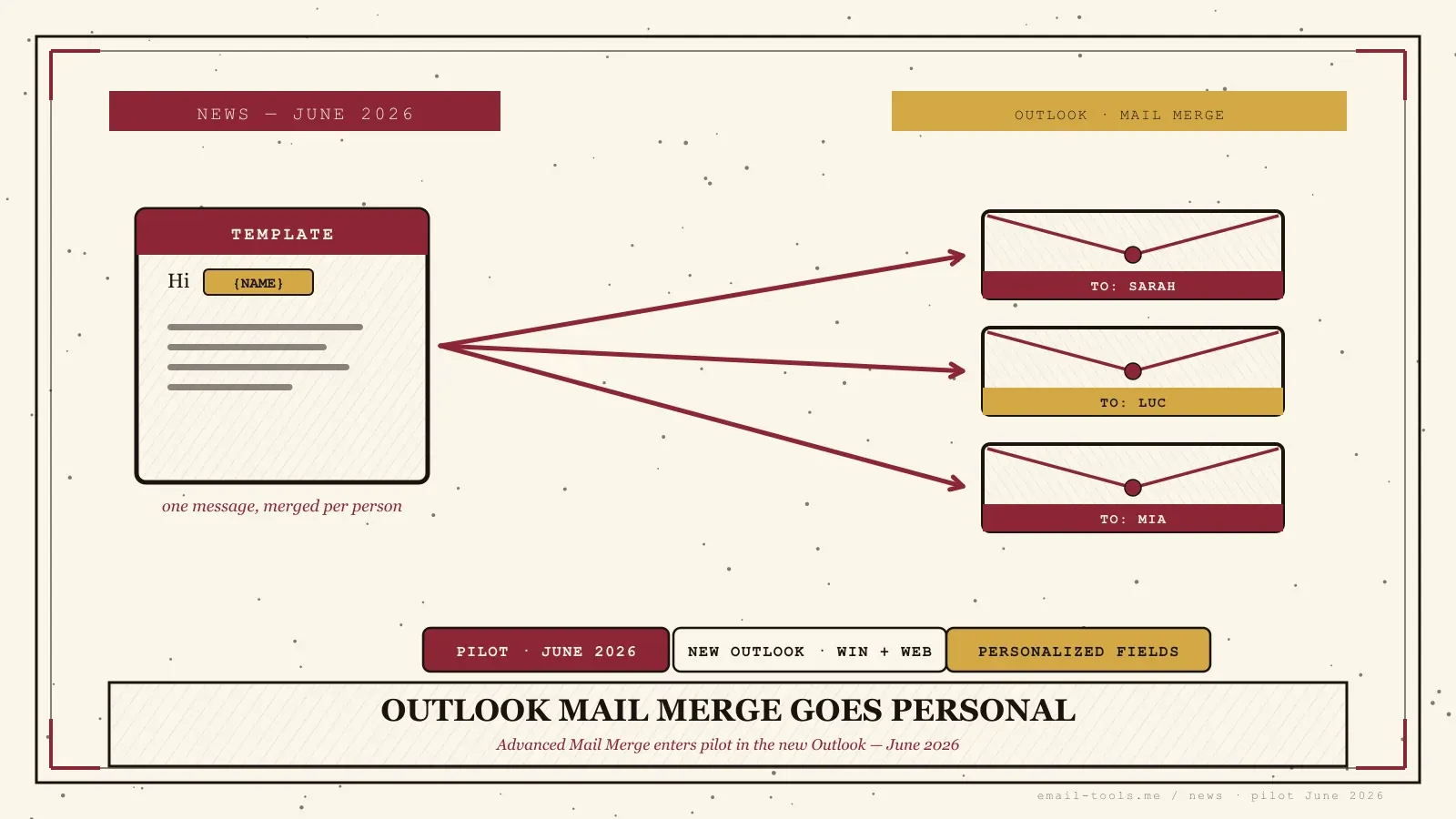
Microsoft is rebuilding mail merge directly into the new Outlook — and the upgraded version, Outlook Mail Merge (Advanced), enters pilot in June 2026. Reported by Windows News and tracked alongside the same June roadmap push as the All Accounts view, it finally lets you send personalized batch emails from Outlook without opening Word. The catch: Microsoft is telling people to go slow. Here’s what works today, what’s coming, and where it bites.
What Outlook’s built-in mail merge does today
Mail merge in the new Outlook sends one composed message individually to every recipient, so each person sees only their own address in the To field instead of a group thread. The version shipping now keeps it simple: generic greetings only, because it can’t yet insert dynamic personalization fields.
This is the privacy win people want from a proper send: no giant CC list, no exposed addresses, one clean email per person. According to AdminDroid, you start it from the Options tab in a new email, add your addresses or a distribution list, write the message, and send the merge. But the basic version has real gaps: you can’t insert dynamic fields like names or titles, so greetings have to stay general (“Hi there” rather than “Hi Sarah”), there’s no Excel contact-list import, and no per-recipient sent-item tracking. It’s a clean BCC-style blast, not yet a personalized one.
What “Advanced” adds — and why Microsoft says go slow
Advanced Mail Merge, piloting from June 2026, adds the missing piece: personalization fields that replace placeholders with recipient-specific values like a person’s name. Microsoft advises using the pilot only for low-risk internal email and keeping Word-based mail merge for anything critical until general availability.
That caution is the headline, not a footnote. Per Windows News, Microsoft is positioning the June pilot for internal newsletters, event reminders, and peer-to-peer outreach — low-volume, low-stakes — and explicitly recommends keeping Word-based merge and classic Outlook for legal notices, financial statements, and personalized marketing. The reasons: the feature still lacks conditional logic and richer formatting, data-mapping errors can misdirect emails, and it runs inside Exchange Online’s sending ceilings of roughly 10,000 recipients per day and 30 messages per minute. General availability is unsettled — Windows Latest points to September 2026, while Windows News suggests it may not land before late 2026 or early 2027.
What it means for how you send email
If you send small personalized batches — a club roster, a class, a team update — Outlook is finally building this in, no Word gymnastics required. But it is not a bulk-marketing or cold-email tool, and the moment you scale up, email authentication and deliverability rules apply just as they would to any sender.
I’ve run plenty of Word-to-Outlook merges, and the friction was always the hand-off between two apps — so folding it into the client is a genuine quality-of-life fix for the small-batch case. The trap is treating it as a marketing channel. Once you push real volume, the 2026 bulk-sender baseline kicks in: SPF, DKIM, and DMARC have to be aligned, and Gmail and Yahoo flag anyone sending more than 5,000 messages a day to their users as a bulk sender with a 0.3% spam-complaint ceiling. This mail-merge update lands in the same June roadmap wave as the unified All Accounts inbox and follows the steady drip of new-Outlook-only features like the two-year offline sync window — all part of Microsoft nudging people off classic Outlook before July’s price increases. For anything bigger than a personal batch, a dedicated email tool or a real sending platform is still the right call.

Alexis Dollé, email expert for 10+ years. Founder of Email Tools. I test every email client and utility myself, then write about them the way I’d explain them to a friend — no marketing fluff, no sponsored rankings, every claim sourced.
LinkedInFrequently asked questions
When does Advanced Mail Merge arrive in Outlook? — pilot June 2026, GA unsettled
Microsoft is piloting Outlook Mail Merge (Advanced) starting in June 2026 in the new Outlook for Windows and on the web. There’s no firm general-availability date: Windows Latest points to September 2026, while other reporting suggests GA is unlikely before late 2026 or early 2027. As with most Microsoft 365 features, it rolls out in waves by tenant and update channel.
What’s the difference between basic and advanced mail merge in Outlook? — personalization fields
The basic version already in the new Outlook sends one composed message individually to each recipient, so everyone sees only their own address in the To field — but it can’t insert dynamic fields, so greetings stay generic like “Hi there”. The Advanced version adds personalization, replacing fields with recipient-specific values such as the person’s name.
Can I import a contact list from Excel for Outlook mail merge? — not yet
Not in the basic version shipping today — Excel list import isn’t supported yet, and there’s no per-recipient sent-item tracking. Those capabilities are part of the Advanced roadmap. For now you add addresses directly or pull from a distribution list.
How many emails can Outlook mail merge send per day? — Exchange Online limits apply
It runs through Exchange Online’s normal sending limits — roughly 10,000 recipients per day and 30 messages per minute. That makes it fine for internal notes and small batches, but it is not a bulk-marketing or cold-email tool, and pushing real volume will hit those ceilings fast.
Should I stop using Word-based mail merge? — no, keep it for critical work
No. Microsoft’s own guidance is to pilot the Outlook version for low-risk internal or departmental email and keep Word-based mail merge and classic Outlook for critical work — legal notices, financial statements, and personalized marketing — until the feature reaches general availability.
Does mail merge volume affect my deliverability? — yes, authentication still applies
It can. Once you send personalized batches at any scale, the same authentication baseline applies: SPF, DKIM, and DMARC need to be aligned, and Gmail and Yahoo treat senders above 5,000 messages a day to their users as bulk senders with a spam-complaint ceiling of 0.3%. Mail merge doesn’t exempt you from those rules.
Sources
- Windows News — “Microsoft Advises Caution as Advanced Outlook Mail Merge Enters Pilot in June 2026” (Advanced Mail Merge pilot June 2026; Microsoft advises piloting for low-risk internal/departmental comms only and keeping Word-based merge + classic Outlook for critical work — legal notices, financial statements, personalized marketing — until GA; missing conditional logic, complex formatting; data-mapping error risk; Exchange Online limits 10,000 recipients/day and 30 messages/minute; GA likely not before late 2026 or early 2027)
- Windows Latest — “Microsoft confirms major New Outlook update with All Accounts view, mail merge, .PST and more”, 13 June 2026 (advanced mail merge gives each recipient an individual email with only their address in the recipient field; personalization replaces fields with recipient-specific values such as the person’s name; general availability September 2026; new Outlook for Windows and web; part of the same June roadmap push as the All Accounts unified inbox and .PST import)
- AdminDroid — “How to Use Mail Merge in the New Outlook to Send Personalized Emails” (start from Options tab → Start mail merge; one message sent individually to each recipient; recipients see only their own address; basic version cannot insert dynamic fields like names or titles so greetings stay general; no Excel contact-list import; no individual sent-item tracking; distribution list and attachments supported)
- Red Sift — “2026 bulk email sender requirements checklist: Microsoft, Google, and Yahoo compliance guide” (Gmail and Yahoo require SPF, DKIM and DMARC for bulk senders; bulk sender defined as more than 5,000 messages to their users in one day; spam-complaint rate must stay below 0.3%; non-compliant bulk mail is rejected rather than delayed)